Concept Walkthroughs
Carry the question into the product page
 Ratik3 min read
Compare two arrivals on the same product page. Bring a declared qualifier forward without pretending to know a real referral, conversation or purchase intent.
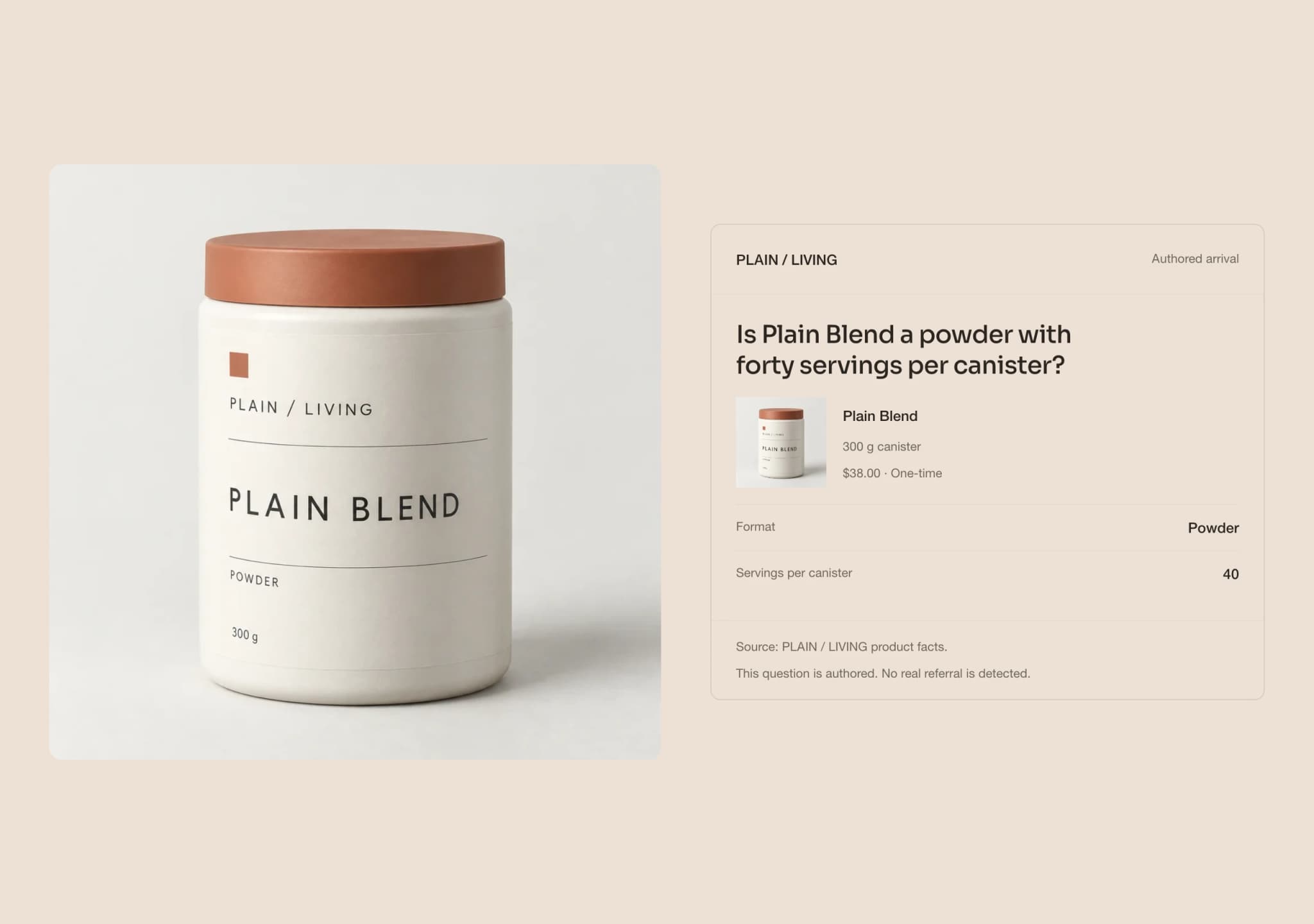
A shopper wants to check whether a powder contains 40 servings. Another wants Cocoa in a 300 g canister. The Click-Out carries either declared question into the same Plain Blend product page, then lets you compare that arrival with a generic one.
These are authored scenarios, not captured conversations. No AI provider sent the visitor, and the concept observes no real referral. Its purpose is to make a continuation inspectable without inventing the journey that came before it.
Start with a question you can inspect
Choose the format-and-pack scenario or the flavor scenario. Each names the relevant qualifier explicitly. There is no hidden prompt, inferred shortlist or prediction of what a shopper intends to buy.
The facts already belong to the PLAIN / LIVING catalog used by The Product Page: Plain Blend is a 300 g powder with 40 servings, available in Neutral and Cocoa. The concept adds no ingredient, certification or testing claim to make the answer more persuasive.
Change the arrival, keep the product
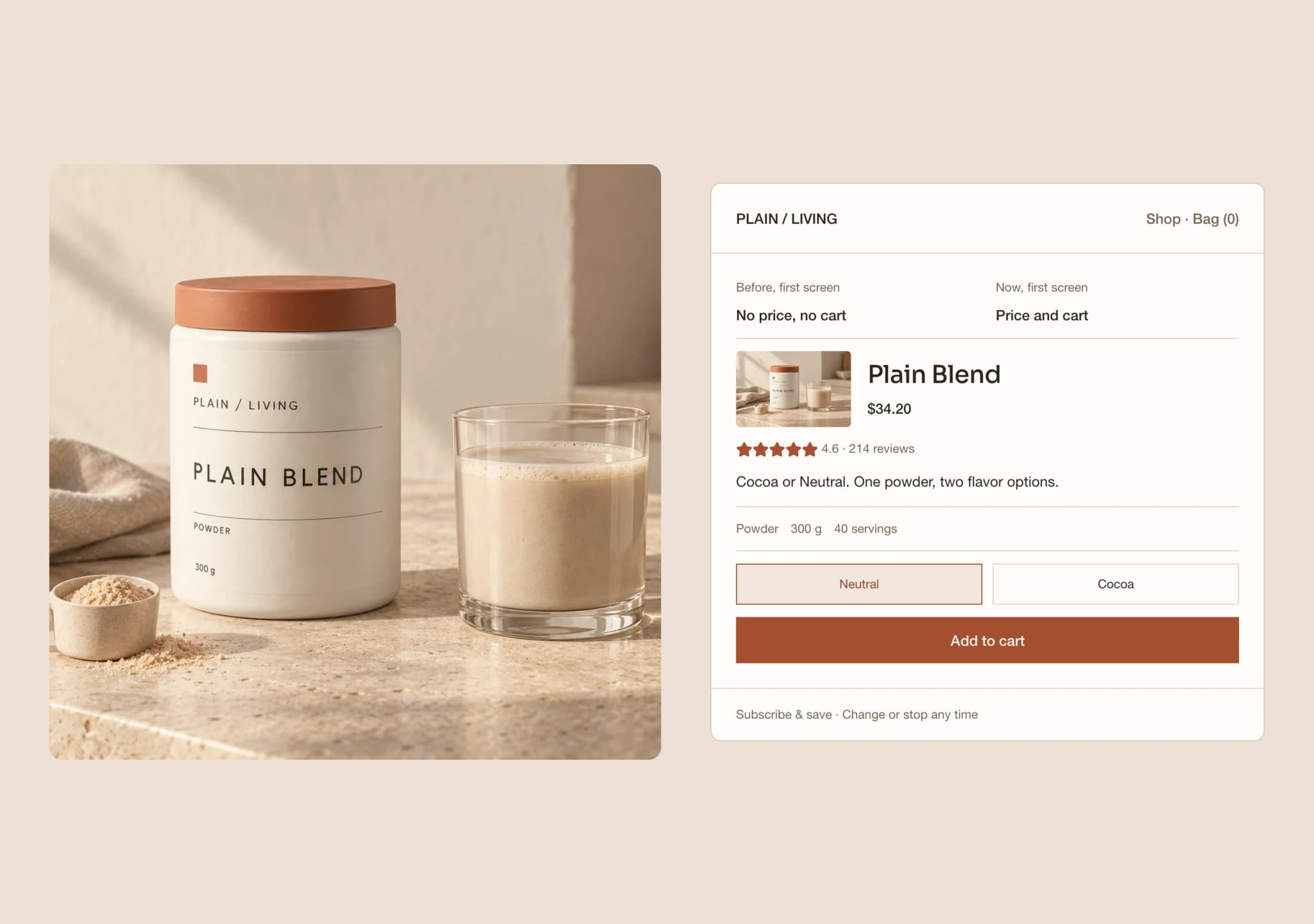
The generic arrival introduces Plain Blend without organizing the opening around that qualifier. The contextual arrival brings the relevant fact forward. A shopper checking the serving count can see 40 servings; someone checking Cocoa can see the flavor and canister size.
Both presentations use the same underlying product facts. This is a comparison of what the page makes easy to find, not two products or two competing versions of the catalog.
Open Read Product Facts to inspect the declared catalog fields and their sources on the page. The source is authored concept data, not a supplier verification or proof that an external assistant used it.
Compare one scenario at a time
Inspect both Generic arrival and Contextual continuation for the selected scenario. Looking at one mode for the powder question and the other for Cocoa does not complete the comparison. Changing the question starts a separate comparison.
Start Again returns to Arrive with Format and pack selected, restores Generic arrival and clears comparison progress. The site can record the local comparison once per visit. That event does not count a referral, attribute a purchase or establish that the contextual version performs better.
This experience has no cart or checkout. Its job is the handoff from a declared question to a visible product fact.
Keep measurement separate from the scenario
The measurement view distinguishes what was declared here from what remains unknown. The selected scenario, qualifier, product and arrival mode are local choices. Actual referrer, provider, conversation, shortlist and intent are not observed.
For a production evaluation, compare identifiable referral groups on the same pages over the same period. Report sample sizes, missing referrer data and differences in device or landing-page mix. Those observations can describe a difference; an appropriate control is needed before attributing an uplift to the page treatment.
The related traffic article explains why this distinction matters. Its aggregate referral research does not measure this concept, and none of its reported differences becomes a result for this design.
What this demonstrates
The Click-Out demonstrates a narrow continuity: a declared qualifier remains useful after arrival because the page exposes the relevant catalog fact. It does not reconstruct a conversation or promise more sales.
A production version would need an explicit source for any incoming context, rules for missing or invalid values, current product records and a measurement plan. A plain referral source cannot supply an unseen question.
Try both scenarios and inspect their source facts. If your product page makes customers repeat a comparison they have already started, we can discuss a focused prototype around the information your store can actually provide.
What would this look like for your brand?
Talk directly with a founder about one customer journey, the systems behind it and a focused prototype using your approved products and content.