CONCEPT / COMMERCE
The Preference Loop
A customer chooses powder, capsules or liquid. Save that preference and see it used in an assistant, product page, app and next-order review. Edit or clear the choice yourself. These four views stay on this page; reloading clears the choice and no order is placed.
YOUR SAVED FORMAT
One choice. Four places to use it.
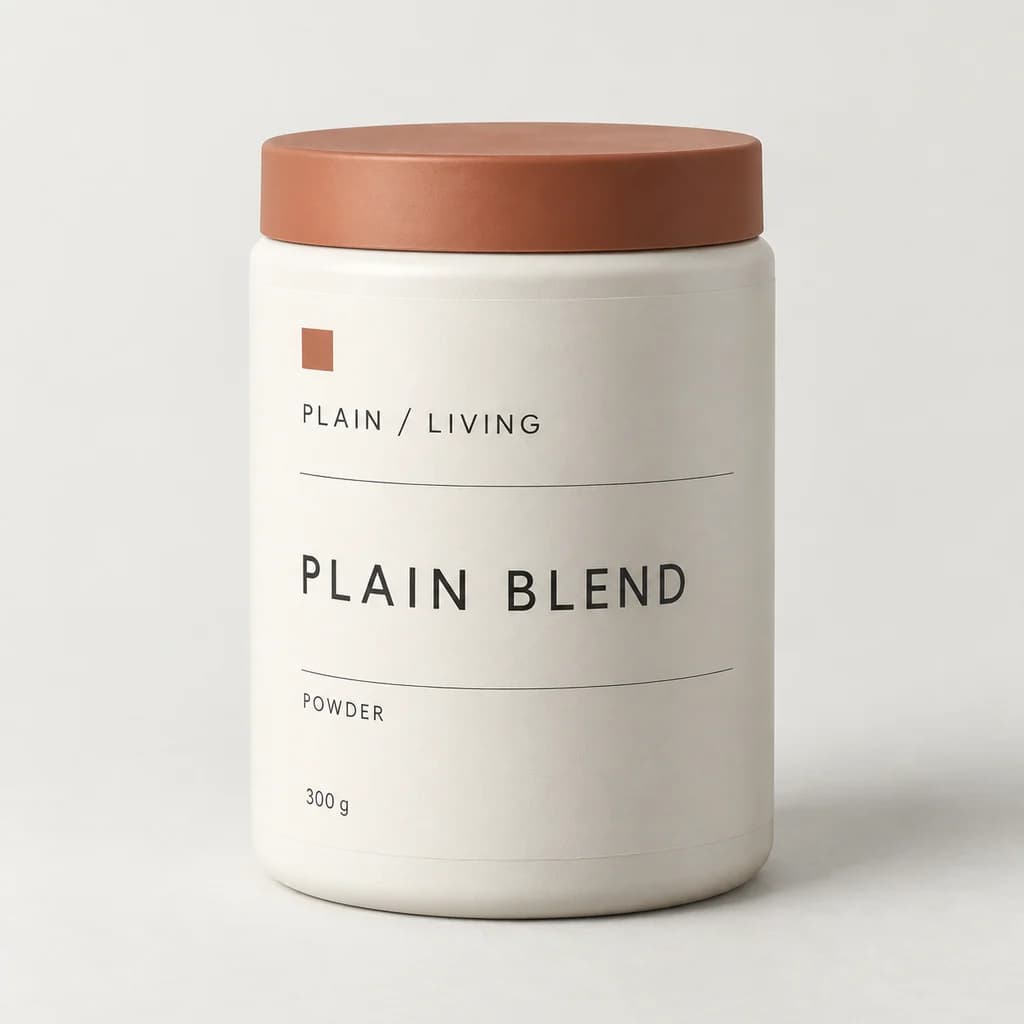
Plain Blend
Powder · 300 g
From the product catalog
- Assistant starting point
- Powder
- Product page selection
- Powder
- App shopping preference
- Powder
- Next order review
- Powder
Review your preference before the next order.
01 / capture
Choose what you want the store to remember.
Choose Powder, Capsules or Liquid from the authored PLAIN / LIVING catalog. Each format points to a distinct product. Save the choice before it changes another surface; no health need, usage rate or supply estimate is inferred.
CHOOSE A FORMAT
Which format do you prefer?
Plain Blend
Powder · 300 g
From the product catalog
Your draft becomes available elsewhere only after you save it.
02 / reuse
Give the saved choice four visible uses.
Inspect the same saved preference in an assistant starting point, product page, app shopping preference and next-order review. These are four local views, with no external integrations. The next-order default needs your confirmation and places no order.
SAVED FORMAT / POWDER
Start with the choice you saved.
Plain Blend
Powder · 300 g
From the product catalog
- Assistant starting point
- Powder
- Product page selection
- Powder
- App shopping preference
- Powder
- Next order review
- Powder
The same saved format sets each starting point. Confirm it on the next-order review; no order is placed here.
03 / control
Keep the choice yours to change.
Inspect the saved format and its source, edit a separate draft or discard your changes. Saving a different choice updates all four views and clears the previous next-order confirmation. Start Again or reload clears the choice. No profile, email segment or CRM record is stored.
YOUR CHOICE, YOUR CONTROL
Keep it, change it or clear it.
- Saved format
- Powder
- Next order
- Awaiting confirmation
Editing starts a draft. Save the change when you are ready, or discard it to keep Powder.
YOUR STORE. YOUR NEXT STEP.
What would this look like for your brand?
We’d decide which preferences customers choose to save, where those choices are useful and how they can change or remove them. Account storage and connections between your systems would be scoped separately.