Guides
MCP, honestly
 Ratik2 min read
MCP has documented commerce implementations. Choose it for a defined workflow after evaluating the available tools, access requirements and operating behavior.
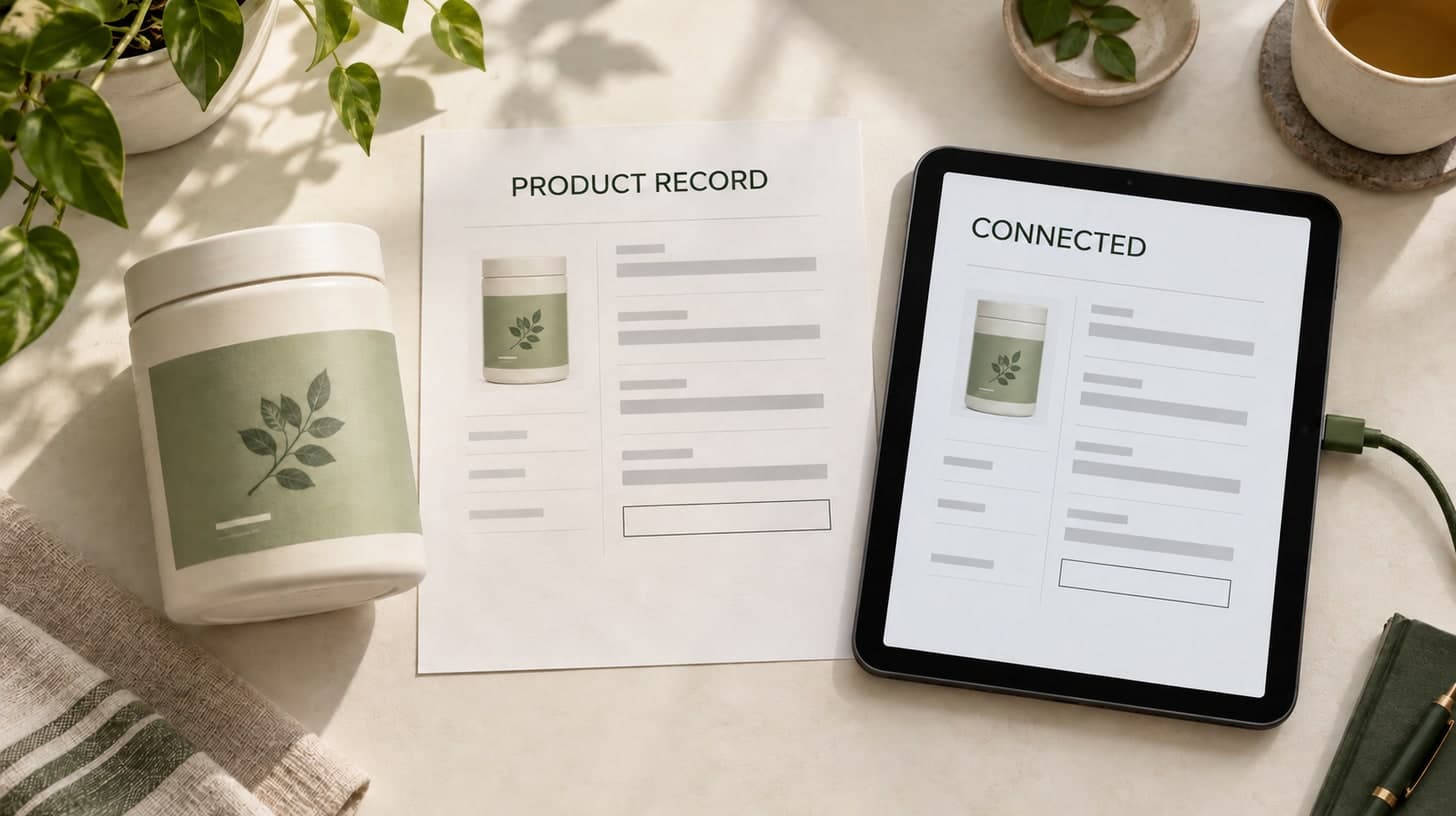
The Model Context Protocol keeps appearing on ecommerce agency capability lists, usually next to three other acronyms, usually with no explanation of what a merchant would do with it.
It deserves better than that, in both directions. It is more real than the skeptics say and less urgent than the sales decks imply.
What it is
MCP standardizes how an AI application accesses tools and data exposed by a server. A usable connection still depends on supported capabilities, protocol versions and the server’s access requirements.
Shopify’s documentation describes product discovery and cart tools, plus customer-account tools for authenticated workflows. That documents an implementation; it does not establish production readiness for your store.
Availability is not a reason to deploy a server without a defined use case.
Source: Shopify: Storefront MCP and customer-account tools
Source: MCP: Architecture and scope
Why it is still not the first thing to build
Two reasons, and neither is about the protocol’s quality.
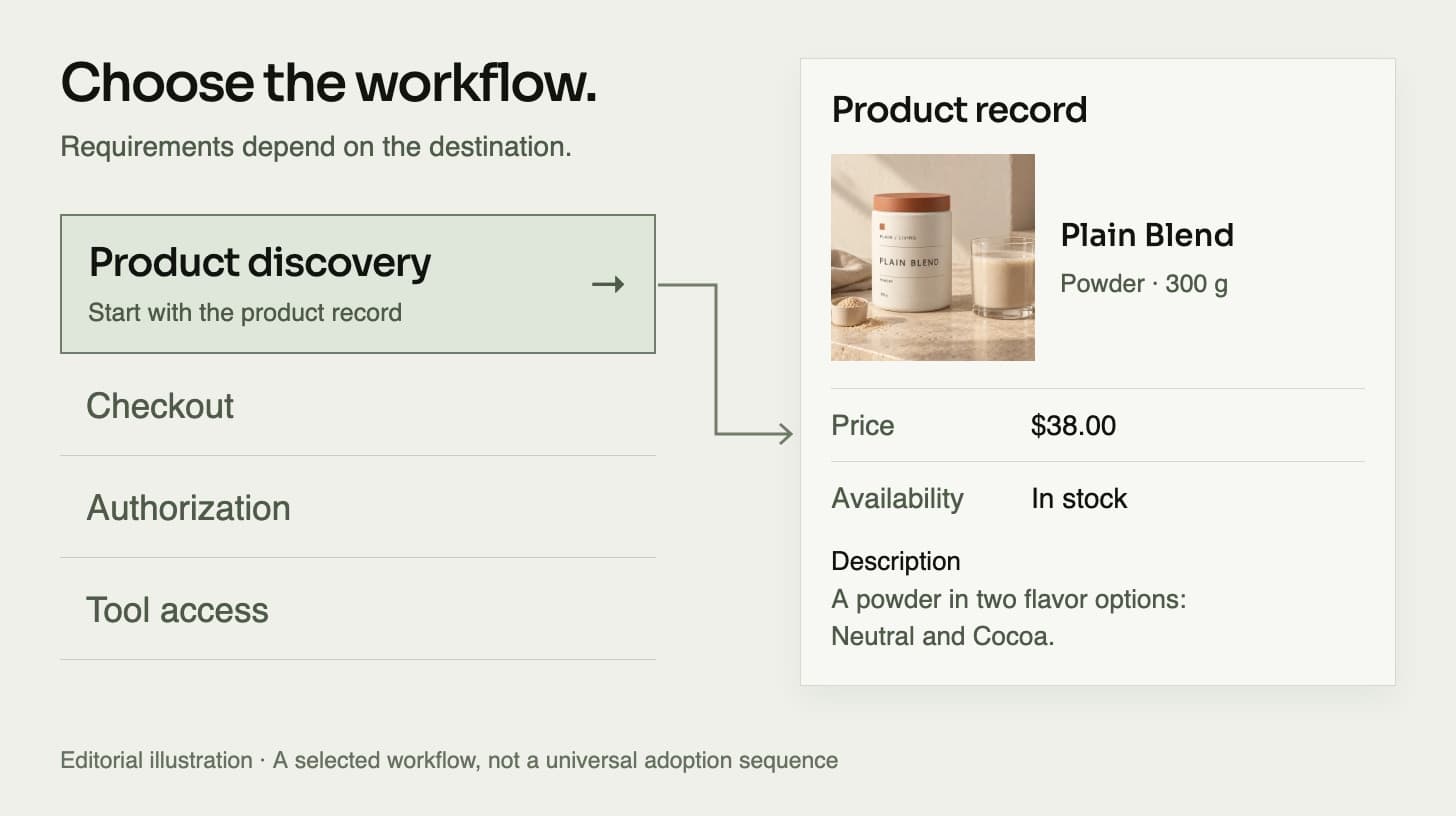
The first is that a tool connection does not resolve disagreement between your page, structured data and merchant feed. What an MCP client receives depends on the server’s data sources, tools and responses. Compare those responses with the records the workflow is meant to use.
The second is that discovery and tool access are different problems. Search eligibility, a product feed and an authenticated action each have their own requirements. MCP is not a general prerequisite for appearing in AI search.
Use MCP when a defined workflow needs tool access to commerce systems. Do not build it merely to claim AI visibility.
A protocol that exposes your catalog is only as good as the catalog.
When it does become the right call
There is a real case, and it is worth naming so this does not read as blanket skepticism.
Possible uses include a wholesale order, an internal reorder workflow, or an authenticated customer checking an order or requesting a return. Define the permissions, confirmation points and system of record before exposing tools that can change data.
For internal agents, compare the MCP servers your platform provides with the APIs and connectors you already use. Shopify documents store-specific endpoints, so using MCP does not necessarily mean building a server. Choose an existing connection or a custom one only when its capabilities match the workflow.
Discovery can also be a tool-assisted workflow: Shopify documents catalog search through MCP. For external search visibility, identify the destination’s requirements. Google’s AI search guidance requires an indexed page eligible for a Search snippet, and does not guarantee inclusion. A feed, an MCP connection and search eligibility are separate decisions.
The honest version of the capability list
We can build an MCP server. First, we should be able to name the workflow it enables.
The foundation is one source of truth for each product, fields that agree across page, structured data and feed, and operational facts like returns and shipping that connected systems can use.
That foundation does not replace a connector’s authentication or safety requirements. It makes the information behind the connector worth trusting.
What would this look like for your brand?
Talk directly with a founder about one customer journey, the systems behind it and a focused prototype using your approved products and content.