CONCEPT / COMMERCE + MOBILE
Training Companion
Return to a saved training program, record a session and review how much product you have left. Logging a session does not change your supply count. Try a pack choice or reorder in the basket. This example gives no personalized training advice and sends no orders or notifications.

THE EVERYDAY SERIES
Your week in motion.
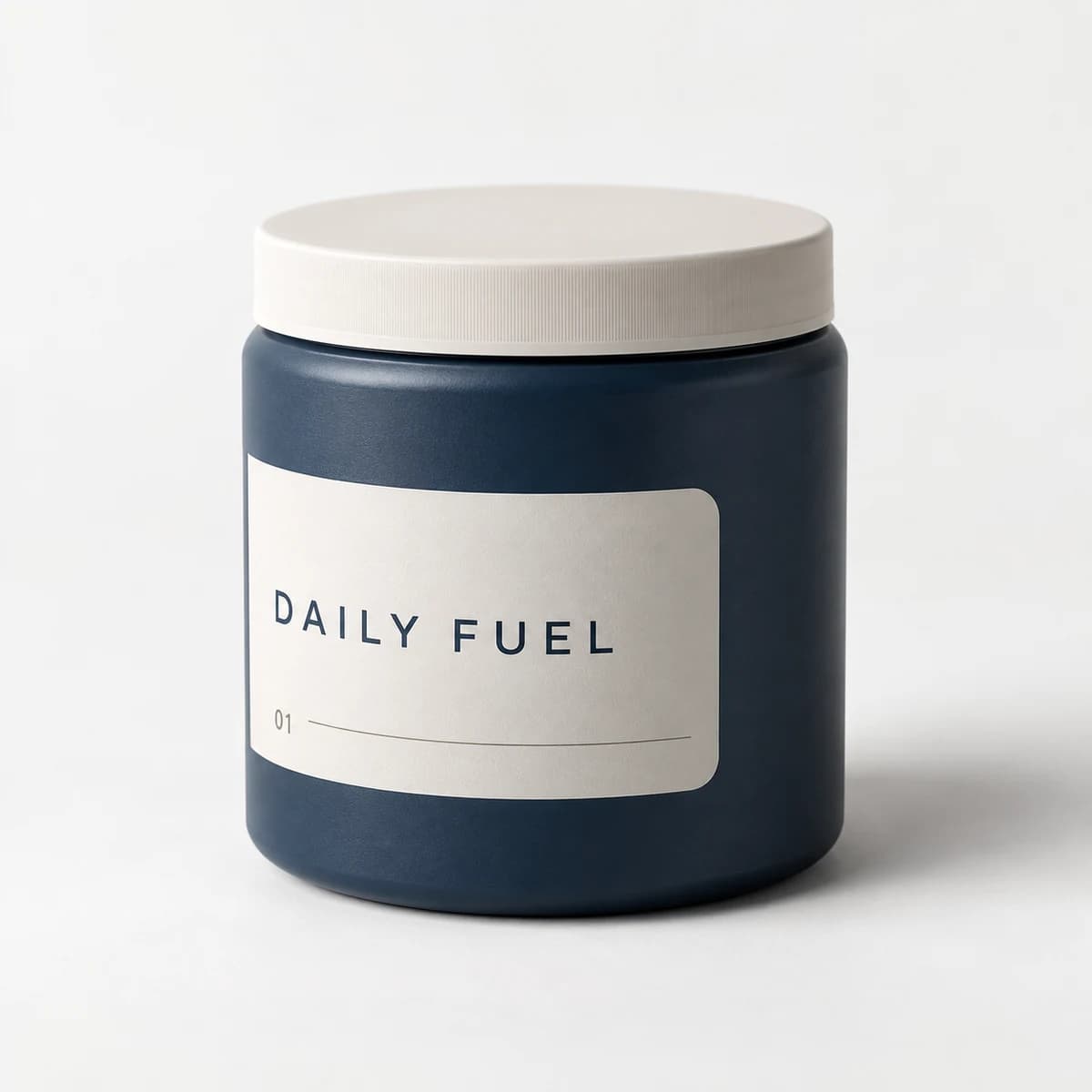
YOUR STACK / ON HAND
Daily Fuel12 portions · Your own count01 / train
A reason to return between orders.
Open the saved program and reading library, then record or undo a session. Session progress is self-reported and never changes the supply count. The program and prior activity are authored states, not personalized training advice or measured health outcomes.
THE EVERYDAY SERIES
Your week in motion.
YOUR STACK / ON HAND
Daily Fuel12 portions · Your own count02 / shop
Choose the pack you want to review.
Daily Fuel’s declared facts are Powder, 300 g per tub, and Citrus or Neutral. Choose one or two tubs, inspect the storefront screens and add that selection to the basket. These authored catalog facts include no serving capacity or testing claim.
Daily Fuel / 300 g per tub
01 / THE DAILY RANGE
Your pack.
Your choice.
One product. Your preferred flavor and pack.
03 / reorder
Review the count before reordering.
Save your own count from 0 to 99. Reminders reflect the saved count, including zero, low supply at one to five, and counts above five. The fixed Citrus one-tub reorder only adds to the basket; no order, push message or rewards transaction is sent.
Daily Fuel / 300 g per tub
YOUR STACK / ON HAND
Know what’s left.
Update your count. Reorder when you’re ready.
ORDER / D-1048
Confirmed
Packed
In transit
Order timeline. Live tracking is not connected.
YOUR STORE. YOUR NEXT STEP.
What would this look like for your brand?
We’d start with your training content and the activity customers choose to record. Together, we’d decide how the program, supply count and shopping fit together without assuming a session means product use.